📦
Recommendations For You
TBS Agent
TBS Agent is our brand for series of software allowing you to configure and update TBS Crossfire and TBS Tracer products. Agent is free for all TBS customers.
0.00 $
TBS AGENT
-
Agent Web
- Web based software using Chrome browser
-
Agent Desktop
- Desktop software for Windows, Linux and Mac operating systems
-
Agent Lite
___________________________________________________________________
TBS Agent Web
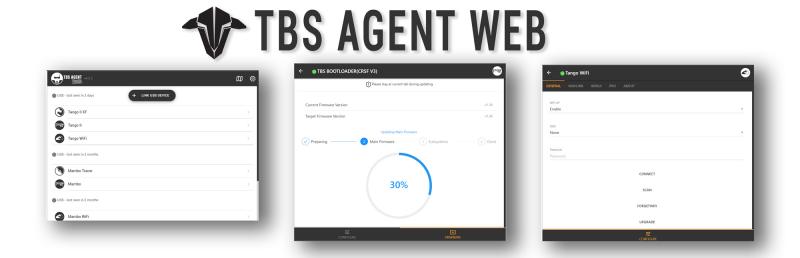
- Update and configure your favourite TBS products with the all-new web based interface, simple, fast and reliable.
- Works on Mac and PC and Android mobile devices with Chrome browser installed.
- Requires USB connection between the computer and TBS device.
Requirements
- Desktop computer running Windows (version: Windows 7, Windows 8, Windows 8.1, Windows 10 or later)
- Desktop computer running MacOS (version: OS X El Capitan 10.11 or later)
- Desktop computer running Linux (version: 64-bit Ubuntu 18.04+, Debian 10+, openSUSE 15.2+, or Fedora Linux 32+ or 64+)
- Android mobile device. (version: Android 5.1 or highe)
- Chrome Browser installed (version: 89 or higher)
- USB 2.0 or 3.0 connection
- **Android and iOS are not able to update firmware at the moment.
Links
- TBS Agent Web: Open Agent Web
- Chrome Browser: Click to Download
Updating
- Agent Web is web-based software so you are always using the latest version. No update is needed.
Help & support
___________________________________________________________________
TBS Agent Desktop
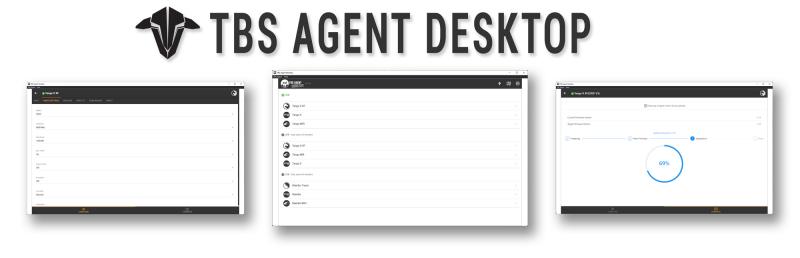
- Works on Mac and Windows desktops.
- Requires USB connection between the computer and TBS device.
Requirements
- Desktop computer running Windows (version: xxx or higher)
- Desktop computer running MacOS (version: xxx or higher)
- USB 2.0 or 3.0 connection
Download
Unpack the zip file and run the instalation wizard. (v4.1.2)
Updating
- Open up TBS Agent Desktop
- Click three-dots icon in top right corner
- UPDATE TBS AGENT Desktop” icon
- Follow the steps to complete.
Help & support
TBS Agent Lite
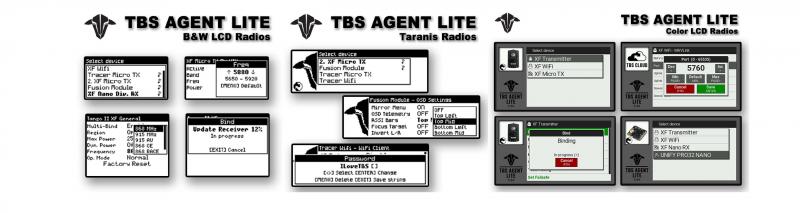
- The most intuitive LUA application for radios running FreedomTX, EdgeTX or OpenTX.
- Allow pilots to configure TBS Crossfire or Tracer products using only your radio.
Requirements
- RC radio controller running FreedomTX (version: 1.3 or higher) - ie TBS Tango2,or TBS Mambo
- RC radio controller running OpenTX (version: 2.3 or higher)
- RC radio controller running EdgeTX (version: 2.5 or higher)
- SD card installed in RC radio controller
Download
- TBS Agent Lite for FreedomTX/OpenTx (Current Version: 1.00, Download V0.98)
- TBS Agent Lite for EdgeTX (Current Version: 1.02)
- TBS Agent Lite (For Ethos)
Open/FreedomTX Installation
-
Download the appropriate TBS Agent Lite from the links above
-
Unpack downloaded ZIP file
- Move included files and folders to the /SCRIPTS/TOOLS/ folder on your SD Card
How To (Open/FreedomTX):
-
Go to TOOLS tab on your radio
- Long press MENU key on Black & White LCD radios
- long press SYS key on Color CD radios
- Select “TBS Agent Lite” from the list and press ENTER to start application
Updating
- Download newest version of Agent Link using link provided above
- Unpack downloaded ZIP file
- Move included files and folders accordingly